Hey everyone,
I pushed two new features on WPBay, both made to help buyers understand products faster before purchasing.
Check changes in action on my plugin here: https://wpbay.com/product/wp-setup-wizard/
Details:

The first one is Instant Demo in Browser:
This is a powerful feature and allows your WordPress plugins and themes to activate an instant demo directly from the product page. When a buyer clicks the ‘Instant Demo’ button, WPBay opens a full temporary WordPress environment in the browser using WordPress Playground, installs the product ZIP there and lets the buyer test it without setting up WordPress manually.
Remember, this works automatically for plugins and themes (not scripts).
You can enable this, if you edit your product and set ‘Enable Instant Demo In Browser’ to ‘Yes’.

So instead of only reading screenshots or descriptions, people can actually click around and see how the plugin or theme behaves.
There is also protection around this. The demo uses short-lived signed links, one-time access for the generated demo data, one-time access for the ZIP package, IP-bound tokens and automatic expiry. The goal is to keep this as safe as possible, while still making the demo easy to open.
Still, you should be careful with this feature. Please understand that if you use this feature, your product ZIP might be able to be pirated by more technical users. Also, if your product has license code activation or anything else which might prevent it from working out-of-the-box, this feature is not for you. For these cases, the normal Live Preview URL is still the better option, where you provide your own URL where customers can preview the product.
The second feature is Video Preview:
You can now add a video preview URL to your products. WPBay will try to show it directly on the product page in a modal, so buyers don’t have to leave the product page just to watch a demo video.
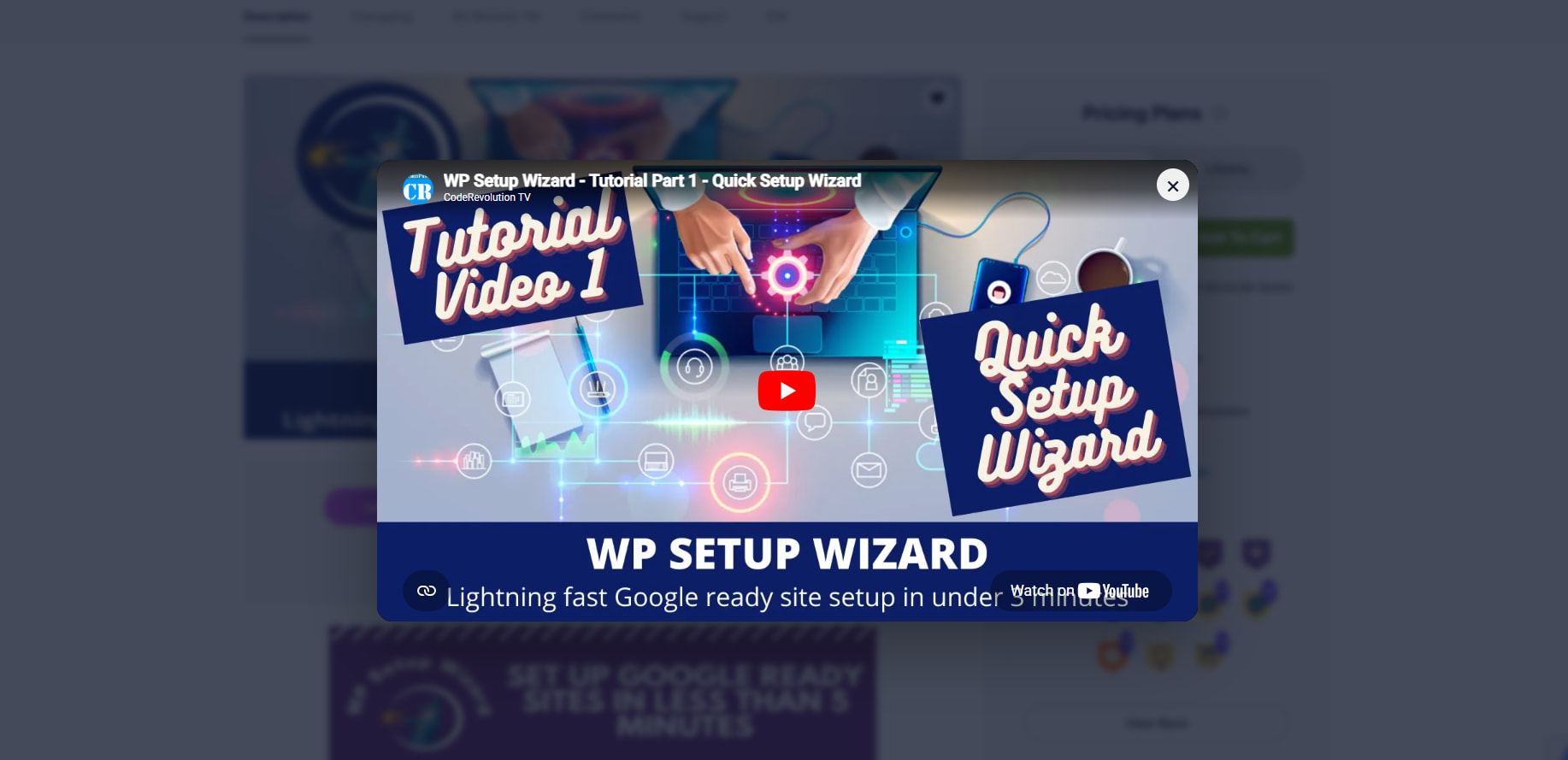
It supports YouTube, Vimeo, Loom, Wistia, Dailymotion and similar video providers. Some providers or private videos may block embedding, so in those cases the video can still be opened externally.
You can enable this, if you edit your product and add a publicly available video URL, in the ‘Video Preview URL’ settings field.

I also cleaned up the product preview buttons a bit. Product pages can now show Live Preview, Instant Demo, Video Preview and Screenshots in a nicer layout.
This should make product pages more useful for buyers and give you more ways to show what your products actually do.
As always, let me know what you think of these features. Check also the video announcement I made: