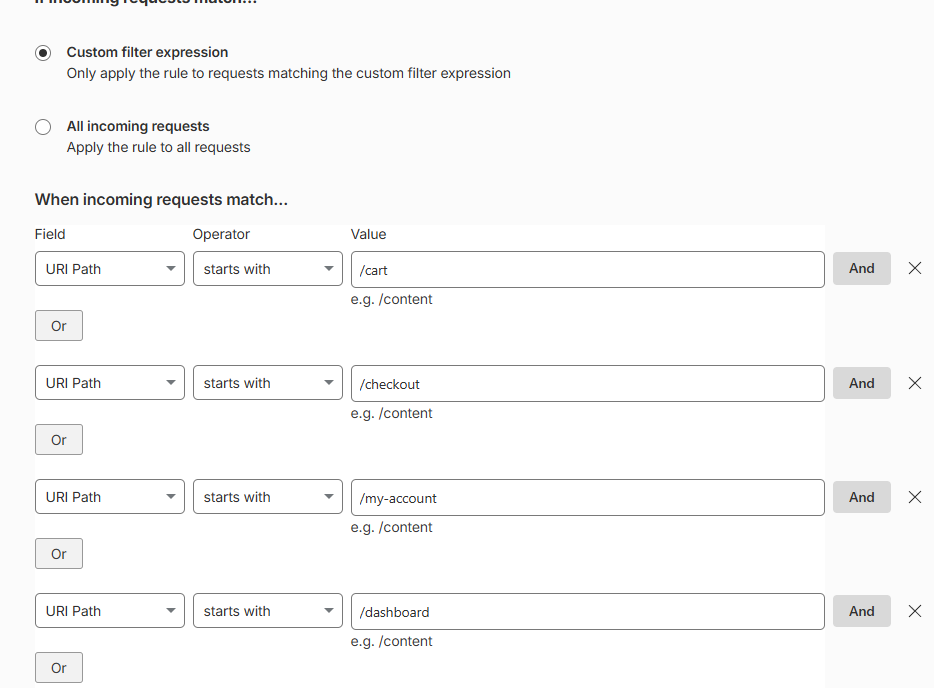
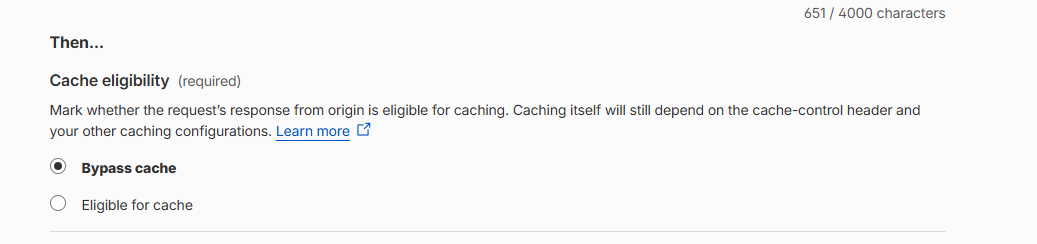
I wanted to share a strange issue I spent most of yesterday and today investigating because it might help someone else in the future who starts seeing random HTTP 500 errors and immediately assumes their site is broken…
So yesterday, WPBay started showing completely random HTTP 500 Internal Server Errors which appeared on pages (right after clicking them, on backend and even on JS files (console reported 500 errors when loading some js files). Refreshing the page, always solved the issue and pages worked. It was appearing completely randomly, on different pages, pretty rarely, I tested pretty intense and I managed to see the error once every 30 minutes (approx).
So one click would work perfectly, the next would show a 500 error and then refreshing the page would immediately load it correctly. A page could fail once and then work flawlessly for the next 100 requests.
Naturally, my first thought was that I had broken something myself.
So I began the usual debugging process… reviewing recent changes, checking server logs, checking server performance issues… I found some unrelated issues which I fixed, but still, the 500 error was still there… The weird part was that all server logs reported the URL request as 200 SUCCESS, while I saw 500 error in Chrome… The more I investigated, the less sense it made. I was not able to find ANY pattern.
I tried everything and the solution which helped was pausing Cloudflare…
At this point, while I can’t say with absolute certainty that Cloudflare is the root cause, but it has become the strongest suspect by far, I am 99% sure the issue is caused by it…
The most frustrating part is that these types of issues are incredibly difficult to diagnose because they are intermittent. Everything looks healthy until one random request fails, and then everything looks healthy again immediately afterward. Nothing helpful logged in Chrome Network tab, nothing helpful logged on server.
I went online and searched for:
-
Random HTTP 500 error
-
Cloudflare intermittent 500
-
HTTP 500 with no logs
-
Cloudflare 500 but origin healthy
-
Random Internal Server Error after refresh
-
Cloudflare proxy issues
And I found some similar issues:
https://community.cloudflare.com/t/random-500-error-not-in-logs-and-anywhere-else/470500
Also, did my own bug report: https://community.cloudflare.com/t/random-http-500-errors-only-when-cloudflare-is-enabled-no-origin-logs-apache-sho/933463
I doubt that they will fix it, but yeah, I try my best with it…
For now, WPBay appears stable and I continuing to monitor things closely.
I’m sharing this mostly because I know many of you run your own websites and sometimes the problem isn’t in your code at all and spending hours debugging application logic can send you in the completely wrong direction.
Also, just as a side note, I saw in Cloudflare admin many design elements which clearly have the “made by AI” touch on them… maybe this is one of the reasons also this backend issue appeared on their service…

Anyway, I keep you guys updated if this story will continue… but I hope not and it will be solved and closed.